Most businesses do not fail at automation because they picked the wrong tool.
They fail because they picked a tool before understanding the workflow, its risk, its data, its exceptions, and what happens when it breaks at 2:00 AM.
A simple lead notification does not need a custom platform. A finance workflow that can approve payments, modify customer records, or expose sensitive data should not be treated like a simple lead notification.
That is the real comparison between n8n, Zapier, Make, and custom AI automation.
The Short Answer
- Choose Zapier when you need the fastest route from a common business trigger to a common SaaS action.
- Choose Make when workflows need visual logic, branching, transformations, iterators, and API-heavy operations.
- Choose n8n when your team needs deeper customization, technical flexibility, self-hosting options, or more predictable execution-based pricing.
- Choose custom AI automation when the workflow is business-critical, customer-facing, regulated, deeply integrated, or valuable enough to become part of your competitive advantage.
The ruthless truth is simple: automating a weak process only helps your business complete bad work faster.
n8n vs Zapier vs Make vs Custom AI Automation at a Glance
| Area | Zapier | Make | n8n | Custom AI Automation |
|---|---|---|---|---|
| Best for | Fast SaaS automation | Visual multi-step operations | Technical and flexible orchestration | Mission-critical business workflows |
| Ease of setup | Very high | High | Medium | Lower initially |
| Technical flexibility | Medium | High | Very high | Unlimited |
| Pricing model | Successful action tasks | Module actions and credits | Workflow executions | Build, cloud, AI, maintenance, and support |
| Complex branching | Good | Very good | Excellent | Excellent |
| Custom API handling | Good | Very good | Excellent | Excellent |
| Self-hosting | No | No | Yes | Yes |
| Data control | Vendor-managed | Vendor-managed | High when self-hosted | Highest |
| Human approvals | Basic to moderate | Moderate | Strong with custom logic | Fully tailored |
| Ownership | Platform-dependent | Platform-dependent | Shared or self-managed | Fully owned |
| Best scale profile | Standard SaaS workflows | Operations-heavy workflows | Technical teams and complex systems | High-value, strategic workflows |
No platform wins every category. Anyone promising that one tool is universally “best” is selling convenience, not thinking.
First, Understand the Cost Model
The sticker price is rarely the real cost.
Your actual automation cost is:
Platform subscription
+ usage overages
+ AI model usage
+ cloud hosting
+ maintenance
+ workflow failures
+ manual rework
+ engineering time
+ missed business opportunities
A cheap automation that silently fails, creates duplicate CRM records, or sends the wrong message to a customer is not cheap. It is an unmeasured liability.
How Each Platform Charges
| Platform | What You Pay For | What Can Surprise You |
|---|---|---|
| Zapier | Successful action steps, called tasks | Loops, replays, AI steps, sub-workflows, and high-volume actions |
| Make | Credits consumed by module actions | Reads, searches, transformations, iterations, and high-volume data handling |
| n8n | Full workflow executions | Infrastructure, support, self-hosting, observability, and AI-provider costs |
| Custom | Development and operational ownership | Initial build cost, change requests, cloud, monitoring, security, and support |
Zapier generally counts each successful action step as a task. AI, code, MCP, and routing features can have their own task behaviour, so a workflow that looks “small” can become more expensive at scale. Zapier’s task measurement documentation is worth reading before you estimate costs.
Make uses credits, and most module actions consume one credit. Its entry plans are affordable, but a scenario with searches, iterators, transformations, and multiple API calls can consume far more credits than the original diagram suggests. Make’s current pricing page clearly explains how credits are consumed.
n8n takes a different approach: its cloud pricing is based on workflow executions, regardless of the number of steps inside a workflow. At the time of writing, n8n lists Cloud Starter at EUR20/month annually for 2,500 executions and Pro at EUR50/month annually for 10,000 executions. n8n’s pricing page should always be checked before publishing a commercial estimate because plans change.
A Better Cost Formula
Before selecting a platform, calculate this:
Monthly automation volume
= Number of incoming business events
× Average actions per event
× Expected retry and exception buffer
For example:
1,500 new leads per month
× 6 workflow actions per lead
= 9,000 billable actions or credits

Add a 15% exception, retry, and growth buffer
= 10,350 estimated monthly units
That same lead workflow may consume approximately 1,500 n8n workflow executions, but it can consume more than 10,000 tasks or credits on other platforms depending on the steps involved.
Do not compare a task, a credit, and an execution as if they are the same unit. They are not.
Zapier: Best for Speed, Standard SaaS Workflows, and Fast Validation
Zapier remains one of the fastest ways to connect familiar business systems.
A form submission can create a CRM record, notify a sales representative, add a row to a spreadsheet, and create a task in a matter of hours. For marketing, sales, HR, and operations teams using mainstream SaaS applications, that speed is genuinely valuable.
Choose Zapier When
- Your workflow uses common SaaS tools.
- You need a result quickly.
- The process is relatively linear.
- Business users need to understand and maintain the automation.
- You are validating a new workflow before investing in a larger system.
Do Not Choose Zapier When
- The workflow has large loops, pagination, complex transformations, or heavy API use.
- You expect rapid volume growth without monitoring task economics.
- You need deep control over data residency or infrastructure.
- An AI agent can take irreversible actions without human review.
- The automation is becoming part of your product or core operations.
Zapier is not weak. It is simply optimized for speed and accessibility, not for every level of operational complexity.
Its enterprise offering includes governance capabilities such as SSO, SCIM, audit logs, app controls, encryption, and observability. However, a business still needs to assess whether its data, vendor contracts, and internal security policy permit a cloud-based workflow platform to access those systems. Zapier’s security documentation outlines the available controls.
Make: Best for Visual Logic and Operations-Heavy Workflows
Make is often the better choice when a process needs more than a few simple actions.
Its visual workflow builder is particularly useful for routers, filters, data transformations, iterators, aggregators, webhooks, and API-led processes. A strong operations team can build surprisingly capable automations in Make.
Choose Make When
- You need branching, conditions, filters, and complex visual logic.
- Your workflows manipulate structured data.
- You are integrating APIs, spreadsheets, CRMs, databases, or internal tools.
- You want a more capable visual builder than a simple trigger-action platform.
- Operations teams need visibility into the workflow design.
Do Not Choose Make When
- Nobody owns workflow governance.
- Every department is creating unreviewed scenarios.
- Your workflow needs a full software development lifecycle.
- You need strict custom role controls, bespoke audit logic, or embedded product automation.
- The process contains high-risk financial, legal, or customer-impacting decisions without approval gates.
Make offers strong cloud security features, including encryption at rest and in transit, SOC 2 Type II and SOC 3 audits, and enterprise security options. But security is not just a vendor checkbox. A poorly scoped API credential inside a visually elegant scenario is still a security problem. Make’s security documentation explains its platform controls.
n8n: Best for Flexibility, Technical Teams, and Control
n8n sits in a different category.
It gives businesses the flexibility to combine low-code workflows with custom JavaScript, Python, APIs, databases, queues, webhooks, AI models, and self-hosted infrastructure. It is often a very good fit when an automation team has technical capability but does not want to build every integration from zero.
Choose n8n When
- You need custom APIs, code, data transformations, or advanced branching.
- You want to self-host or retain more control over infrastructure.
- You expect workflows to become more technical over time.
- You need reusable components and deeper integration patterns.
- You have developers, DevOps support, or a capable implementation partner.
Do Not Choose n8n When
- You want “free” automation with no operational responsibility.
- Nobody can own backups, upgrades, secrets, monitoring, and incident response.
- A non-technical team expects to run complex production workflows alone.
- You need enterprise controls but intend to avoid enterprise planning.
Self-hosting n8n is powerful, but it does not magically make a workflow secure. The business becomes responsible for TLS, encrypted storage, backups, access management, patches, logs, and recovery. n8n explicitly states that encryption in transit and at rest are responsibilities of the self-hosting organization. n8n’s security guidance is refreshingly clear on that point.
Custom AI Automation: Best When the Workflow Matters to Your Business
Custom automation is not the default answer. It should not be.
If a business merely needs a lead copied from one SaaS platform to another, commissioning a custom platform is often unnecessary. That is engineering theatre.
But custom AI automation becomes the right decision when a workflow is strategic, sensitive, customer-facing, deeply integrated, or difficult to express safely inside a no-code canvas.
Choose Custom AI Automation When
- The workflow is part of your product or customer experience.
- You need custom dashboards, approvals, permissions, and audit trails.
- You work with sensitive financial, health, legal, or enterprise data.
- The workflow spans internal systems, databases, APIs, and AI models.
- You require explainability, human approvals, and exception handling.
- You need the automation to evolve with your business rather than around platform limits.
The Real Value of Custom Automation
A properly designed custom system can include:
- Role-based action permissions
- Custom approval thresholds
- Audit logs tied to a business record
- AI confidence scoring
- Human-in-the-loop review queues
- Data residency controls
- Custom dashboards and reporting
- Versioned workflow logic
- Vendor-independent APIs
- Recovery, retries, idempotency, and rollback controls
This is where automation becomes operational infrastructure rather than a collection of disconnected workflows.
The Limits Most Teams Discover Too Late
The initial workflow is usually easy. The problems emerge after adoption.
1. Duplicate Events and Broken Retries
APIs retry. Webhooks resend. Employees click buttons twice.
Without idempotency controls, the same event can create duplicate invoices, duplicate leads, duplicate support tickets, or duplicate payments.
Every production workflow should have an idempotency key, a retry policy, and an exception owner.
2. AI Is Not a Permission System
An AI model can classify, summarize, extract, recommend, and draft.
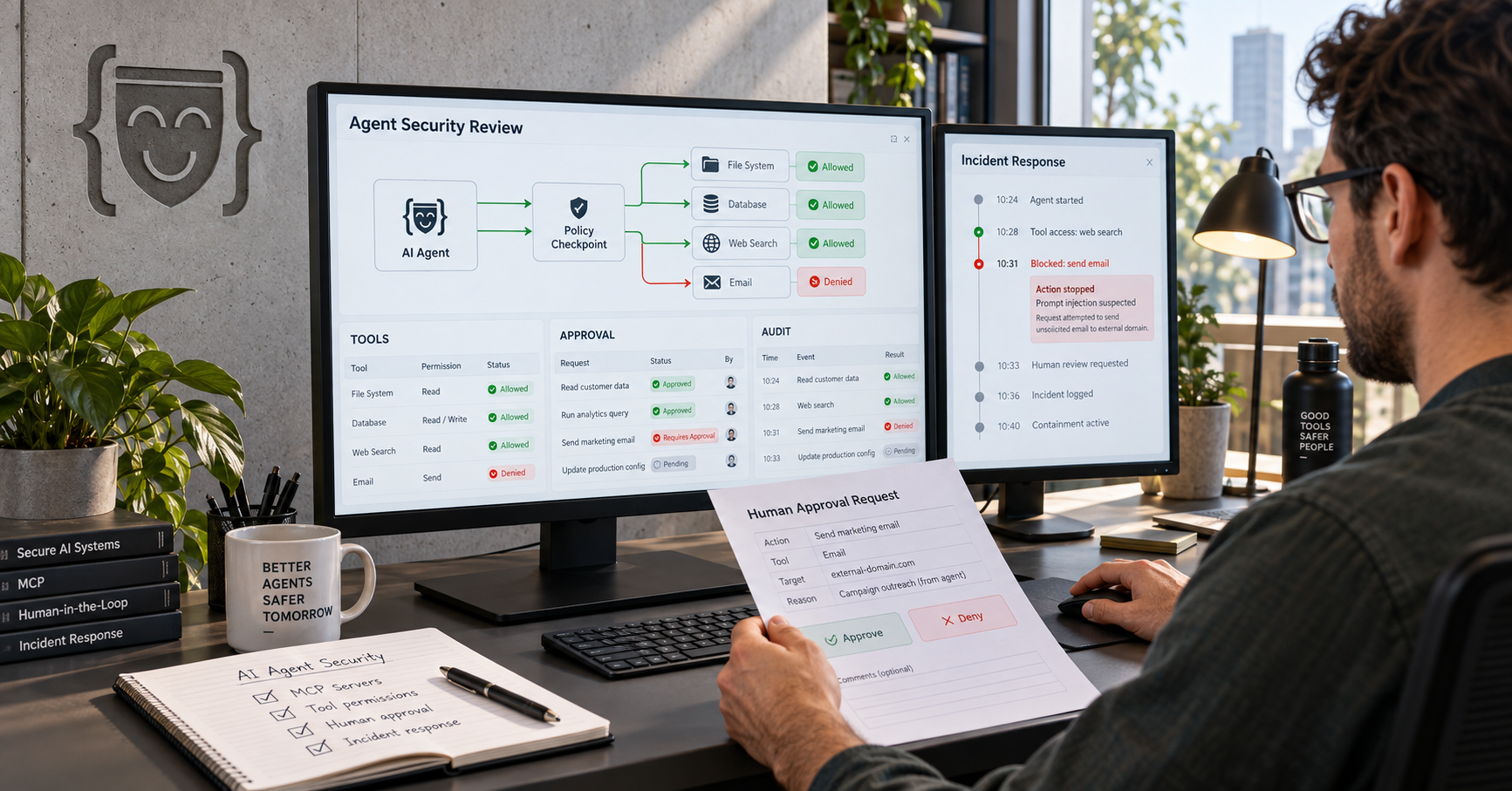
It should not automatically be allowed to delete customer data, issue refunds, approve payments, or send legally sensitive communication just because the prompt sounded confident.
For high-impact actions, use a structured approval model:
Low-risk action: automate
Medium-risk action: automate and notify
High-risk action: require human approval
Irreversible action: require explicit confirmation and audit logging
3. Vendor Lock-In
A workflow with business logic buried in one platform can become expensive to migrate.
The escape plan should exist before the workflow becomes critical:
- Document APIs and data mappings.
- Keep core business logic separate from connector-specific logic.
- Store critical records in your own database where appropriate.
- Maintain a list of credentials, owners, dependencies, and fallback procedures.
- Avoid making one automation platform your only source of truth.
4. Silent Failure
The most dangerous workflow is not the one that visibly crashes.
It is the one that silently stops processing leads, invoices, orders, or support requests while everyone assumes it is working.
A production automation needs alerts, logs, error queues, replay capability, and a named business owner.
The Boxinall Standard: Build the Control Layer, Not Just the Workflow
This is where Boxinall can create a meaningful difference.
Most agencies will connect applications. A stronger partner designs the control layer around the automation.
Boxinall’s Automation Reliability Standard
Before deploying an automation, Boxinall should define:
| Control | Why It Matters |
|---|---|
| Workflow owner | Someone is accountable when it fails |
| Business outcome | The workflow is measured beyond “it ran” |
| Data classification | Sensitive data gets the right treatment |
| Approval matrix | High-risk actions cannot run unchecked |
| Cost budget | Usage does not become a surprise invoice |
| Failure playbook | Teams know what happens when an API fails |
| Audit record | Important decisions can be traced |
| Rollback path | Bad actions can be corrected |
| Exit plan | The business is not trapped in one tool |
A Four-Layer Automation Architecture
1. Integration Layer
   Apps, CRMs, ERPs, APIs, databases, and webhooks

2. Workflow Layer
   Routing, transformations, retries, queues, and orchestration

3. Intelligence Layer
   AI classification, extraction, RAG, recommendations, and scoring

4. Control Layer
   Permissions, approvals, logs, alerts, cost tracking, and governance
The fourth layer is what separates a useful prototype from a dependable business system.
A Boxinall engagement should include a 30-day shadow mode for higher-risk workflows. In shadow mode, the system reads, analyses, scores, and proposes actions, but a human approves the outcome before the automation acts. This creates a real dataset for improving prompts, rules, confidence thresholds, and exception handling before the process becomes autonomous.
That is the kind of detail clients rarely ask for, but they remember when a workflow reaches scale.
A Practical Decision Framework
Use these questions before selecting a platform:
- Is this workflow a simple handoff between common SaaS tools?
Start with Zapier. - Does it need advanced visual logic, routing, transformations, and API operations?
Consider Make. - Does it need custom code, self-hosting, advanced integrations, or technical ownership?
Consider n8n. - Does it involve sensitive data, financial actions, complex approvals, or customer-facing decisions?
Consider custom AI automation or a governed n8n architecture. - Could the workflow process ten times more volume within the next year?
Model usage costs before building it. - What happens if it fails for 12 hours?
If the answer is “we lose money, customers, or compliance,” build proper monitoring and recovery. - Who owns the workflow after launch?
If nobody owns it, it is not ready to launch.
Can You Use More Than One Platform?
Yes. In fact, a hybrid approach is often sensible.
A business might use Zapier for lightweight marketing workflows, Make for operational data flows, n8n for technical orchestration, and custom services for high-risk AI decision-making.
The warning is tool sprawl.
Do not let every department buy a different automation tool, create undocumented workflows, and connect company systems with personal credentials. That becomes invisible infrastructure with no ownership and no security model.
One governance model matters more than one tool.
How to Measure Automation ROI
Do not report ROI as “we built 18 workflows.”
That metric impresses nobody who pays the bills.
Measure:
- Hours saved per month
- Manual error reduction
- Touchless processing rate
- Exception rate
- Average processing time
- Cost per completed business outcome
- Revenue recovered or created
- Customer response time
- Workflow failure rate
- Time to resolve failures
Use this formula:
Monthly ROI =
(Time saved × fully loaded hourly cost)
+ avoided error cost
+ recovered revenue
- platform cost
- AI cost
- hosting cost
- maintenance cost
Then calculate payback:
Payback period in months =
One-time implementation cost
÷ monthly net benefit
If the process cannot be measured, it cannot be credibly sold as an ROI project.
Final Recommendation
Use Zapier for speed.
Use Make for visual operational complexity.
Use n8n for flexible, technical, and self-hosted orchestration.
Use custom AI automation when the process is too important to be constrained by platform shortcuts.
The right decision is not the platform with the lowest entry price. It is the architecture that remains reliable, secure, measurable, and affordable after the workflow becomes important.
Boxinall helps businesses move beyond scattered automations and build systems that can safely connect data, AI, people, and operations.